
How Do You Create Engaging Illustrations and Artwork for Your Brand?
Updated: Mar 9
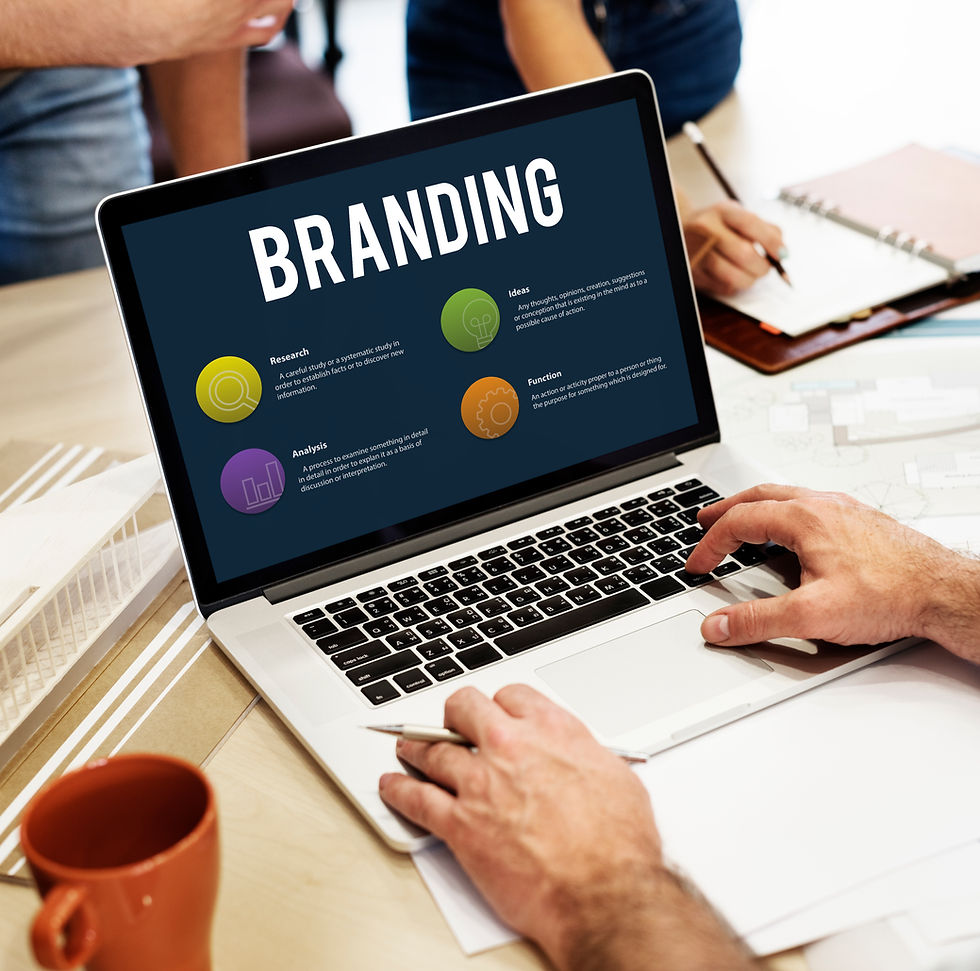
If your brand visuals feel inconsistent (different styles across ads, decks, site, and social), you don’t need “more art”—you need an illustration system: clear intent, a defined visual language, reusable components, and a repeatable production workflow. This guide gives you a practical, team-friendly way to plan, produce, QA, deploy, and measure illustrations that strengthen brand recall and improve communication.
Introduction
Illustration and artwork can do what photography and text sometimes can’t: simplify complex ideas, create a distinct “brand world,” and make messages feel more human. But the same power becomes a liability if artwork is produced ad hoc—resulting in mismatched styles, unclear messaging, slow turnaround, and licensing risks.
The goal isn’t one “great illustration.” The goal is repeatable brand visuals that work across touchpoints: website, product UI, decks, social, campaigns, reports, and onboarding content.
If you’re also working on your broader visual identity (logo, color, typography, imagery rules), align this effort with your brand identity system first. (OrgEvo)
What “engaging” illustrations actually mean (in a brand context)
Engaging illustrations typically have five properties:
On-brand: consistent style, tone, and symbolism (so people recognize you faster).
Purposeful: each visual supports a specific message or action.
Scalable: works in multiple sizes and formats (hero banner to small icon).
Accessible: readable and usable for diverse audiences (contrast, clarity, non-text cues). (W3C)
Legally safe: you own the rights or have proper usage permissions (especially if using stock/CC assets). (Creative Commons)
Common failure modes (and how they show up)
1) “Style drift” across channelsSymptoms: social posts feel playful, website feels corporate, decks look like a different company.Fix: define a style system and enforce it through templates + review gates.
2) High effort, low reuseSymptoms: every new campaign starts from scratch.Fix: build a component library (characters, props, textures, backgrounds, icon sets).
3) Beautiful but unclearSymptoms: visuals look nice but don’t explain anything or support the CTA.Fix: start from message hierarchy and audience context, not aesthetics.
4) Accessibility issuesSymptoms: text on illustrations is unreadable; meaning depends on color alone.Fix: follow contrast guidance and avoid “color-only” communication patterns. (W3C)
5) Licensing surprisesSymptoms: can’t reuse artwork in ads/merch; disputes over ownership.Fix: contracts, work-made-for-hire clarity, and license tracking. (U.S. Copyright Office)
Step-by-step implementation guide (the repeatable system)
Step 1: Define the illustration job-to-be-done
Inputs: brand positioning, audience segments, top use-cases (website sections, campaign types, UI needs).Output: a 1-page “Illustration Brief” that answers:
Who is the audience?
What emotion/tone should visuals convey?
What must the illustration achieve (explain, persuade, reassure, instruct)?
Where will it live (web, print, UI, deck)?
What constraints exist (time, budget, formats, accessibility)?
Quick rule: If the message can’t be summarized in one sentence, your illustration will likely be vague.
Step 2: Choose a consistent style direction (and lock it)
Instead of “pick a style you like,” make the choice systematic:
Brand personality → visual language (e.g., precise, bold, warm, playful).
Complexity level (simple shapes vs. detailed scenes).
Line/shape rules (stroke weight, corner radius, geometry).
Color usage (limited palette vs. gradients; backgrounds; accent rules).
Texture/shading (flat, grain, 3D-ish, hand-drawn).
This becomes the foundation for a coherent brand experience—your audience should feel the same “voice” everywhere. (Bærnholdt)
Step 3: Build an “illustration system” (not one-off art)
Create reusable building blocks so production scales:
Core components: icons, buttons, patterns, backgrounds, containers, arrows.
Characters (optional): consistent anatomy rules, expressions, poses.
Props + metaphors: approved symbols for common concepts (growth, security, speed).
Composition templates: hero banner layout, feature card layout, social post layout.
Do/Don’t examples: side-by-side comparisons prevent misinterpretation.
If you also create infographics, align styles so charts and illustrations don’t clash. (OrgEvo)
Deliverable: a mini style guide section inside your broader brand guideline doc.
Step 4: Set up a production workflow with quality gates
A reliable workflow prevents chaos when requests increase.
Recommended flow (lightweight, effective):
Intake form (purpose, size, placement, deadline, message)
Concept thumbnails (2–4 rough options)
One direction approved (stakeholders confirm message)
Final artwork production
QA checks (accessibility, brand rules, export formats)
Publish + archive (store source + exports + usage notes)
Roles to include:
Brand owner (approves fit)
Designer/illustrator (creates assets)
Marketing/product owner (approves message accuracy)
Web/product implementer (ensures correct rendering)
Step 5: Nail formats, exports, and performance
Choose formats based on where assets will live:
SVG: best for vectors on web/UI (scales well, typically small).
PNG: best for raster with transparency (but can be heavier).
PDF: best for print-ready handoff.
JPG: best for photos; usually not ideal for illustration transparency.
For common export workflows in design tools, reference official guidance and ensure teams export consistently. (Figma Help Centre)
Step 6: Accessibility checks (often skipped, always costly later)
If your illustration includes text or UI-like elements, treat it like interface design:
Maintain readable contrast for text where applicable. WCAG explains why minimum contrast thresholds matter for many users. (W3C)
Don’t rely on color alone to convey meaning (use labels, icons, patterns).
Avoid tiny embedded text in artwork for key information—use real HTML text when possible.
Step 7: Rights, licensing, and reuse governance
If you commission illustration, clarify ownership and reuse upfront. “Work made for hire” is a specific legal concept; define it properly in contracts (and confirm your jurisdictional requirements). (U.S. Copyright Office)
If you use Creative Commons assets, ensure the license allows your intended use (commercial use, modifications, attribution requirements, etc.). (Creative Commons)
Practical governance habit: keep a simple “Asset Register” (spreadsheet) with:
Asset name + thumbnail link
Source (created in-house / contractor / stock)
License type + attribution requirement
Allowed uses (web, ads, print, merch)
Version + date + owner
Templates you can copy (practical artifacts)
1) Illustration Brief (one-page)
Purpose:Audience:Core message (one sentence):Desired emotion/tone:Where used: (web hero / deck / social / UI / print)Size + format needs:Must-include elements:Must-avoid elements:Reference examples: (style only)Success metric: (CTR, time on page, retention, conversion, comprehension)
2) QA checklist (before publishing)
Matches brand style rules (line, color, shapes, tone)
Message is understandable in 3–5 seconds
Works at small sizes (mobile, thumbnails)
Exports provided (SVG/PNG/PDF as needed)
File naming + versioning applied
Accessibility check done (contrast/clarity; not color-only) (W3C)
Licensing/ownership recorded (asset register updated) (Creative Commons)
3) Simple RACI for illustration production
Activity | Brand Owner | Marketing/Product Owner | Illustrator/Designer | Web/Product Implementer |
Approve style system | A | C | R | C |
Approve concept direction | A | A | R | C |
Produce final artwork | C | C | R | C |
Export + handoff | C | C | R | A/R |
Accessibility QA | A | C | R | R |
Archive + asset register | A | C | R | C |
(A=Accountable, R=Responsible, C=Consulted)
Examples (hypothetical, for guidance)
B2B SaaS onboarding: a consistent set of friendly, minimal illustrations that explain “how it works” steps and reduce cognitive load.
Manufacturing/engineering services: diagrams + simplified scene illustrations that clarify processes, safety, and outcomes—paired with consistent infographic styling.
Consumer brand campaigns: recurring characters and props that appear across seasonal promos, packaging inserts, and social stories for fast recognition.
Measuring success (KPIs that actually connect to business outcomes)
Use a mix of brand and performance metrics:
Digital engagement
Click-through rate (CTR) on pages/campaigns using new visuals vs. baseline
Scroll depth / time on page for illustrated explainers
Conversion rate changes on landing pages featuring revised hero/feature illustrations
Brand outcomes
Aided recall in surveys (if you run brand tracking)
Qualitative feedback: “this feels like you” vs. “this looks generic”
Operational outcomes
Turnaround time per asset
Reuse rate (% of new deliverables assembled from existing components)
Fewer revisions (clearer briefs + style rules)
DIY vs. getting expert help
DIY works well when:
You need a small set of assets (e.g., 10–30) for a single channel
You already have solid brand guidelines
You can maintain a basic asset library and approval workflow
Consider expert help when:
Multiple teams produce visuals (marketing, product, sales) and style drift is frequent
You want a full illustration system (components + templates + governance)
Accessibility and legal risk matter (regulated industries, large campaigns)
You need speed at scale (high-volume content or multi-market rollout)
If your brand identity and communications assets are being updated in parallel, align illustration decisions with your broader brand identity work and presentation standards. (OrgEvo)
Conclusion
Engaging illustrations don’t happen by luck—they come from a system: a clear job-to-be-done, a locked style direction, reusable components, a production workflow with QA gates, and governance for accessibility and licensing. Build the system once, and every new campaign gets faster, more consistent, and more effective.
CTA: If you want help building an illustration system and governance that scales across teams, contact OrgEvo Consulting.
FAQ
1) Should brand illustrations be custom or stock?
Custom is best for uniqueness and long-term consistency; stock can work for speed—if licensing and style consistency are controlled. Track licenses and permitted uses. (Creative Commons)
2) What file format should I use for website illustrations?
SVG is often ideal for vector illustrations on the web; use PNG when you need raster transparency. Confirm your export workflow in your design tools. (Figma Help Centre)
3) How do I keep illustrations consistent across designers and agencies?
Create an illustration system: style rules, component library, templates, do/don’t examples, and an approval workflow.
4) How do I make sure illustrated content is accessible?
Avoid low-contrast text in artwork and don’t rely on color alone to convey meaning; follow contrast guidance where applicable. (W3C)
5) Do I automatically own the rights to illustrations I paid for?
Not always—ownership depends on contract terms and legal definitions (including “work made for hire” in some contexts). (U.S. Copyright Office)
6) How many illustration styles should a brand use?
Usually one primary system (with controlled variants) is enough. Multiple unrelated styles increase confusion and slow production.
7) What should be in an illustration brief?
Audience, message (one sentence), tone, placement, size/format, must-include/must-avoid elements, and success metric.
8) How do I connect illustrations to business results?
A/B test key pages or campaigns, measure engagement and conversion changes, and track operational efficiency (reuse rate, revision count, turnaround time).
Internal reading (related OrgEvo posts)
Brand identity foundations: How Can You Implement an Effective Brand Identity Design for Your Company? (OrgEvo)
Visual clarity for complex info: How to Leverage Infographics and Data Visualization for Effective Communication? (OrgEvo)
Deck consistency & persuasion: How to Craft Impactful Corporate Presentations? (OrgEvo)
Creative frameworks for teams: Creativity Symposium: Creative & Design Thinking (OrgEvo)
Campaign alignment (strategy): How Do You Create a Compelling Marketing and Sales Strategy with AI? (OrgEvo)
References
W3C WAI, Understanding WCAG 2.2 – Contrast (Minimum) (W3C)
MDN Web Docs, Color contrast (WCAG guidance) (MDN Web Docs)
Creative Commons, About CC Licenses (Creative Commons)
U.S. Copyright Office, Circular 30: Works Made for Hire (U.S. Copyright Office)
Cornell LII, 17 U.S. Code § 101 (definitions incl. “work made for hire”) (Legal Information Institute)
Adobe Learn, Export high-quality, optimized SVG (Illustrator) (Adobe)
Figma Help Center, Export from Figma Design (Figma Help Centre)
<a href="https://www.freepik.com/free-photo/online-marketing-branding-concept-laptop-screen_11306799.htm">Image by rawpixel.com on Freepik</a>


Comments